1. On which chains are Gains available and how do I get funds there to trade with?
Gains is available on Arbitrum One, Base, Polygon, and MegaETH. You can also trade directly from a Solana wallet on sol.gains.trade — see Gains Solana. Polygon is an Ethereum sidechain. Its native gas token is POL. To trade on Polygon, add the network to your wallet, fund it with gas and supported collateral, then connect to Gains. See Polygon Network Setup and Opening and Closing a Trade. Arbitrum One is an Ethereum Layer 2 that uses ETH for gas. To get started, see Arbitrum Network Setup and Opening and Closing a Trade.2. What collateral can I use to trade?
Supported collaterals depend on the chain you trade on and can change over time. Use the collateral selector in the trading interface, or see Trade Collaterals for the current collateral list by network.3. What’s GFARM2 and GNS?
GFARM2 is the original Gains token, launched on Ethereum. Holders could convert it to $GNS at a 1:1000 split. See GNS Token. The GFARM2 to $GNS migration contract has been paused since October 19, 2026, so GFARM2 can no longer be converted through it. If you still hold GFARM2, open a ticket in the #open-ticket channel of our Discord by December 31, 2026 (UTC). Explain your case and include your wallet address, the chain and the amount. Requests are reviewed one by one, and eligible GFARM2 can be converted to $GNS manually. Support will never ask for your seed phrase or private key.4. Why can’t I open a small trade - is there a minimum position size?
Minimum position size is calculated as collateral multiplied by leverage and normalized to USD. The minimum can vary by market and network, so it is not a fixed token amount. The trading interface shows the current minimum for the pair and collateral you select. You can meet the minimum by increasing collateral, increasing leverage, or choosing another available market.5. How do I set up practice mode?
See How to Use Practice Mode.6. What is slippage?
Slippage is the maximum price movement you are willing to accept while your order waits for the oracle price. If the execution price moves beyond your slippage setting, the trade will not open. Closing has its own setting, the max closing slippage (1% by default), which also applies to your stop loss and take profit. See Max Closing Slippage.7. Why is the coin/asset I want to trade not listed?
Assets are listed when Gains can provide reliable execution for them. Listings depend on price-source coverage, trading volume, and available liquidity. See the Pair List for what you can trade today.8. Forex/Commodities says “Closed”. Why?
Unlike crypto markets, forex and commodities are not open 24/7. See Forex Trading and Commodities Trading.9. Where does the collateral go when I close for a profit/loss?
The gToken Vaults act as the counterparty to trades. If you close in profit, the relevant vault pays your profit. If you close at a loss, you receive the remaining collateral and the loss goes to the vault. If your position is liquidated, the full collateral goes to the vault.10. I closed my trade and don’t see it in the trade history, why?
Trade history updates every few minutes because it waits for additional block confirmations.11. Can I go into debt?
No. You can only lose the collateral assigned to the trade. If your position is liquidated, you lose that collateral. Otherwise, your gain or loss is settled when the position closes. Only trade with collateral you can afford to lose.12. Does profit taking close my position?
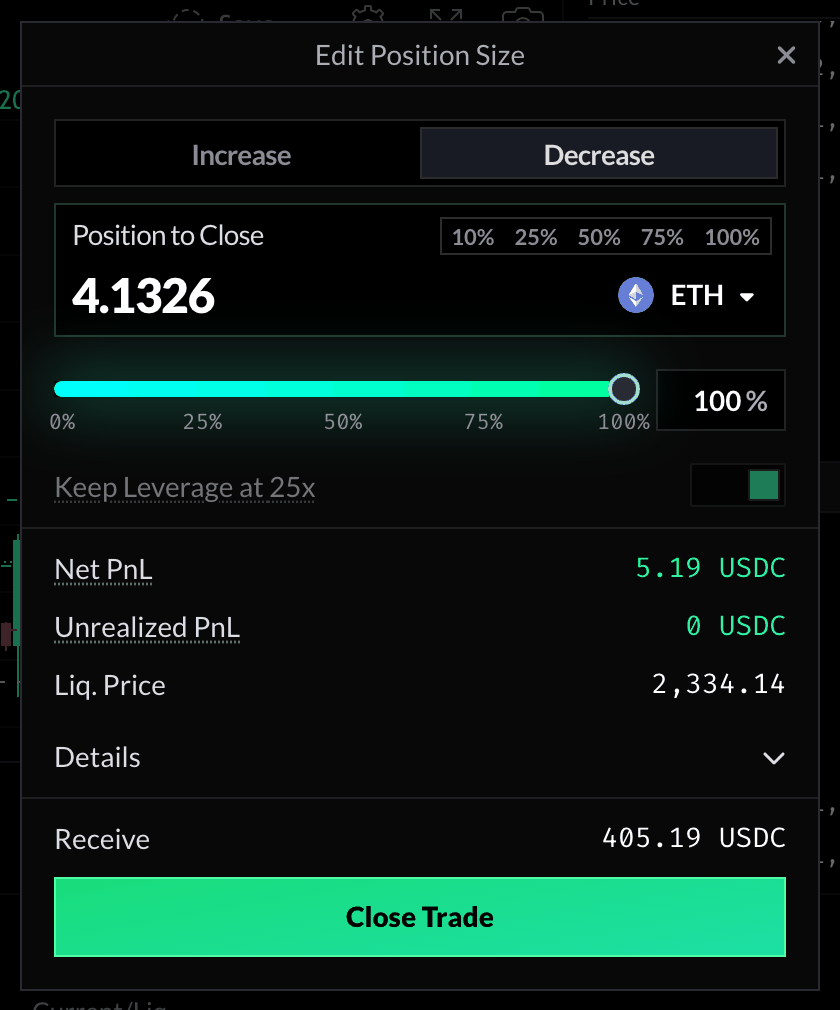
No — since v10 you can partially close a position using Decrease Position Size, and partially add to it with Increase Position Size. Closing the full position also realizes your profit. Both are in the Edit Position Size window, which opens from the position’s Close button or when you click its size in the row.