Practice Mode lets you test Gains as if you were live trading, without using collateral with real value. It runs on Arbitrum Sepolia. You will need:
  1. A Web3 wallet like Rabby or MetaMask connected to Arbitrum Sepolia
  2. Testnet ETH to pay for transactions
  3. Testnet DAI to use as collateral
Let’s set it up:
  1. Open the network dropdown on gains.trade and select Sepolia - Practice. Your wallet should prompt you to add Arbitrum Sepolia.
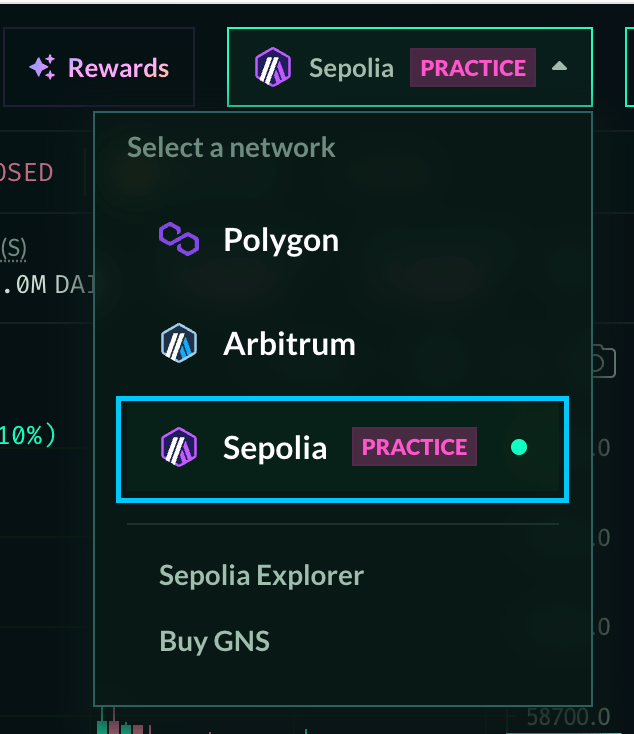
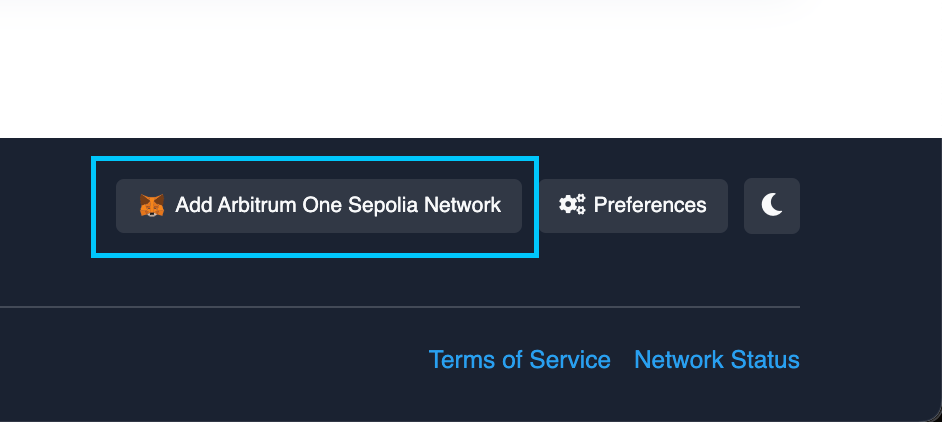
Select Sepolia from the dropdown menu. Alternatively, go to sepolia.arbiscan.io, scroll to the bottom, and click Add Arbitrum One Sepolia Network. Scroll to the bottom of the page to see the button.
  1. Get Arbitrum Sepolia ETH for gas. A website that distributes testnet tokens is called a faucet.
(Please note that Sepolia as a testnet exists on several chains, so whichever faucet you use, be sure to select Arbitrum Sepolia) https://faucets.chain.link/arbitrum-sepolia (0.1 ETH, Requires Github login) https://faucet.quicknode.com/arbitrum/sepolia (0.05-0.1 ETH, requires holding 0.001 ETH on Ethereum Mainnet) https://www.alchemy.com/faucets/arbitrum-sepolia (0.1-0.5 ETH per day, requires an Alchemy account (free) and a balance of 0.001 ETH on Arbitrum Mainnet) Faucets may be unavailable at times. If you need help setting up Practice Mode, ask in Discord or Telegram.
  1. Select Sepolia - Practice from the network dropdown on the trading page and connect your wallet.
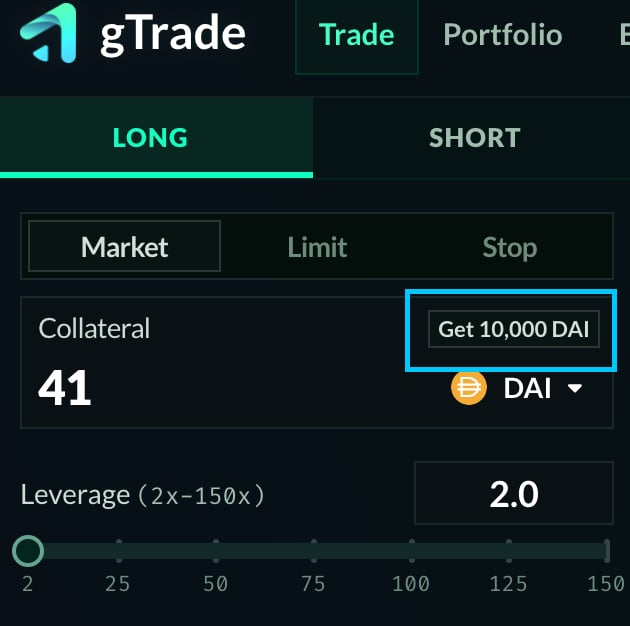
Once you are connected you can click ‘Approve’ in the trading panel, and then click ‘Get 10,000 DAI’ to get your practice DAI. Click Approve, send the transaction, then click Get 10,000 DAI and send the transaction. You can then use the platform as you would on mainnet. If your testnet DAI balance drops below 1,000 DAI, the button will show again so you can claim 10,000 DAI more. Follow the guide Opening and Closing a Trade.